

NOLGIA plugins
Let your AI agent work in the apps you already use.
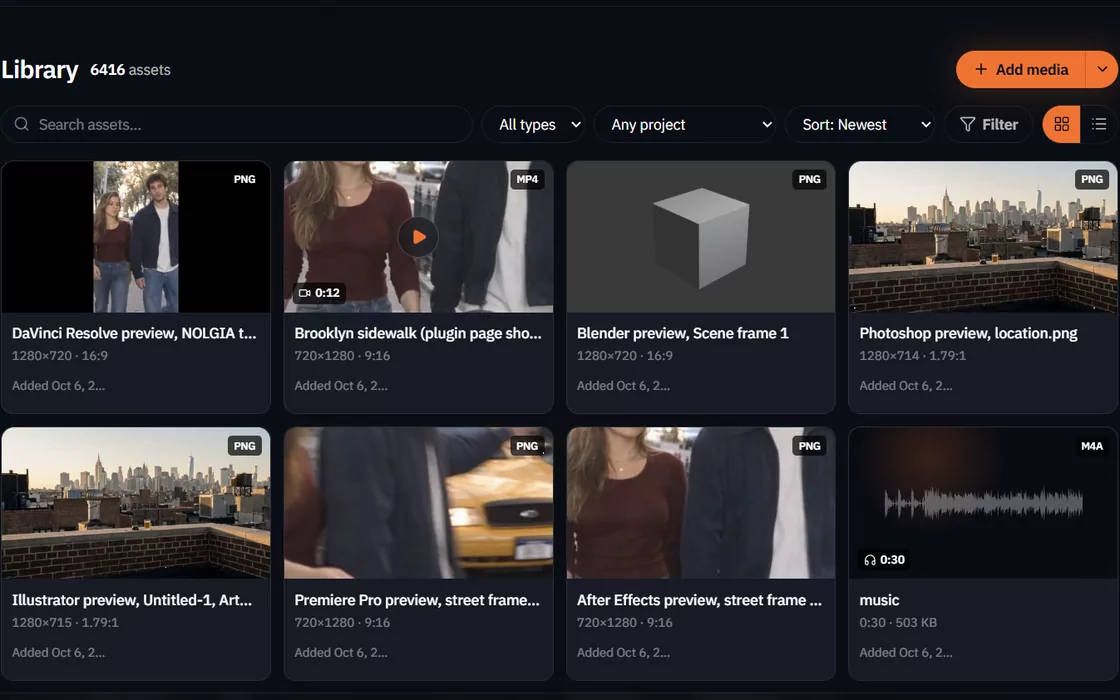
A NOLGIA plugin connects an app on your computer to NOLGIA. Then your agent can look at your project, make changes in it, render previews and move files between the app and your NOLGIA Library.
- Your agentClaude, Cursor or NOLGIA Agent
- NOLGIAmcp.nolgia.ai
- The pluginIn the app on your computer

The plugin connects out to NOLGIA. Nothing connects in to your computer.
Apps
Pick your app.
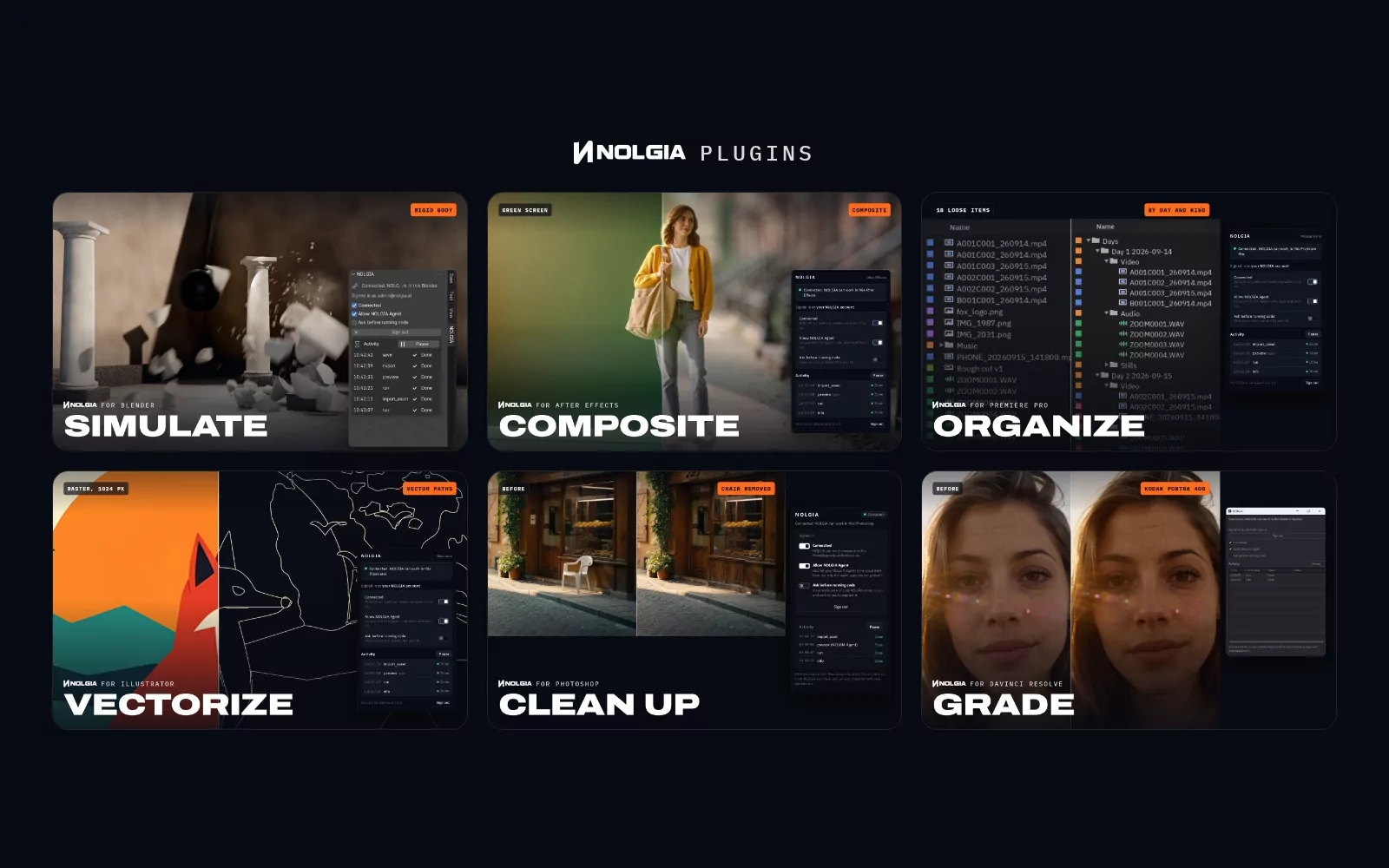
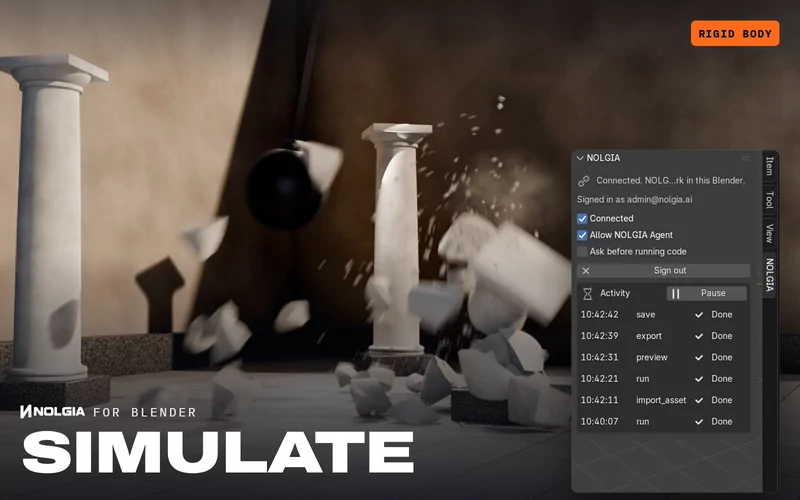
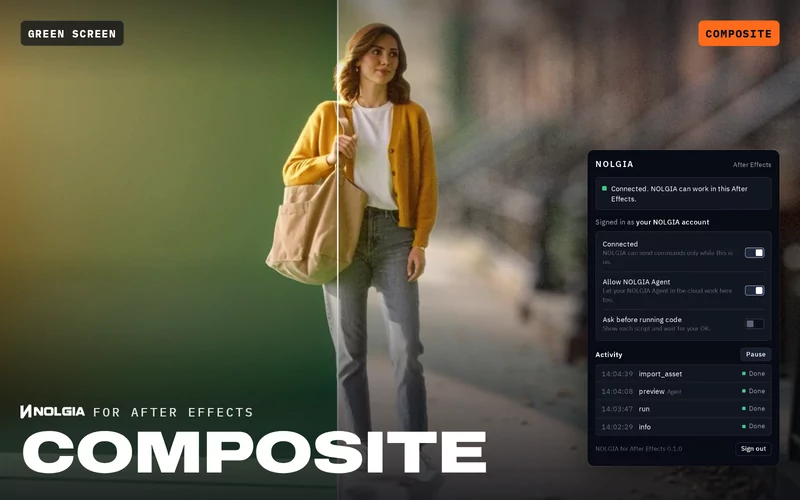
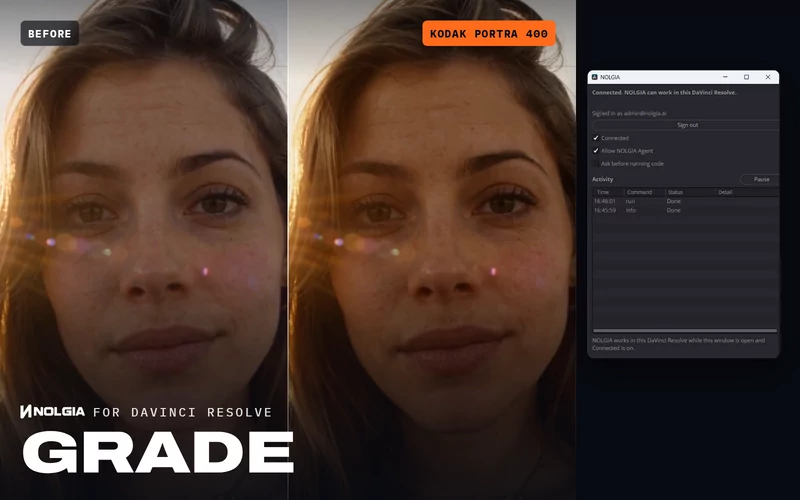
Blender, After Effects, Premiere Pro, Illustrator, Photoshop and DaVinci Resolve Studio are available now, each with its own Film assistant presets.
After Effects
Compositions, layers and motion graphics.
One extension with Premiere Pro and Illustrator.
Get the pluginPremiere Pro
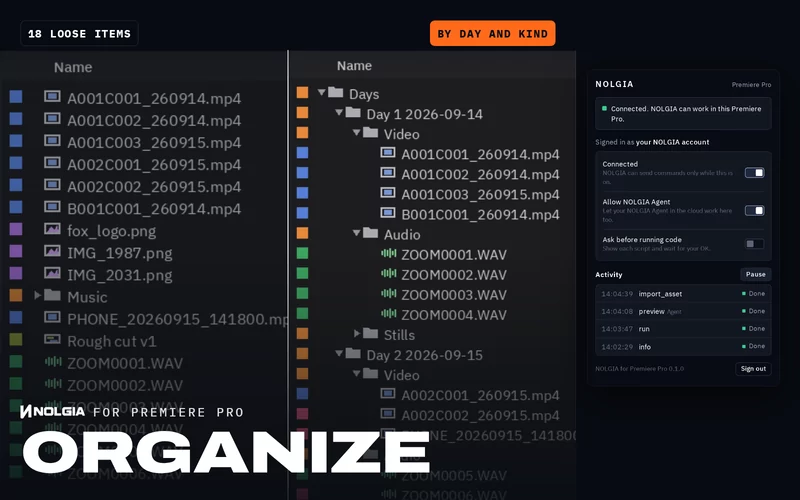
Projects, bins and sequences.
One extension with After Effects and Illustrator.
Get the pluginIllustrator
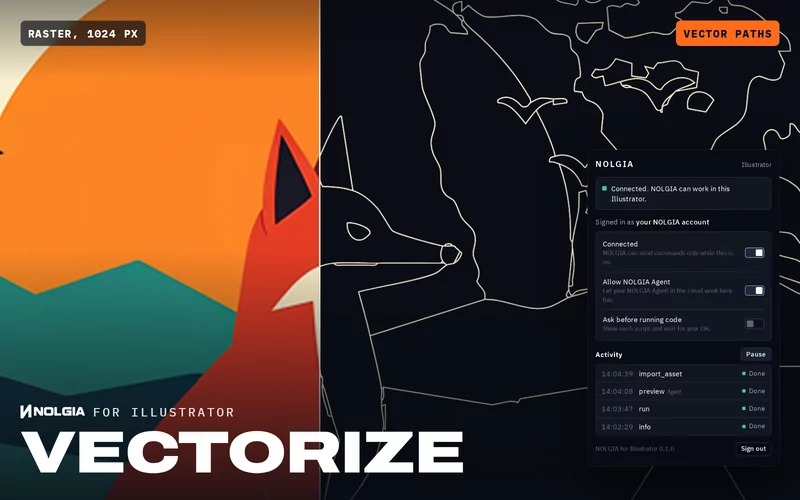
Vector artwork and artboards.
One extension with After Effects and Premiere Pro.
Get the plugin
How it works
Three steps, then ask.
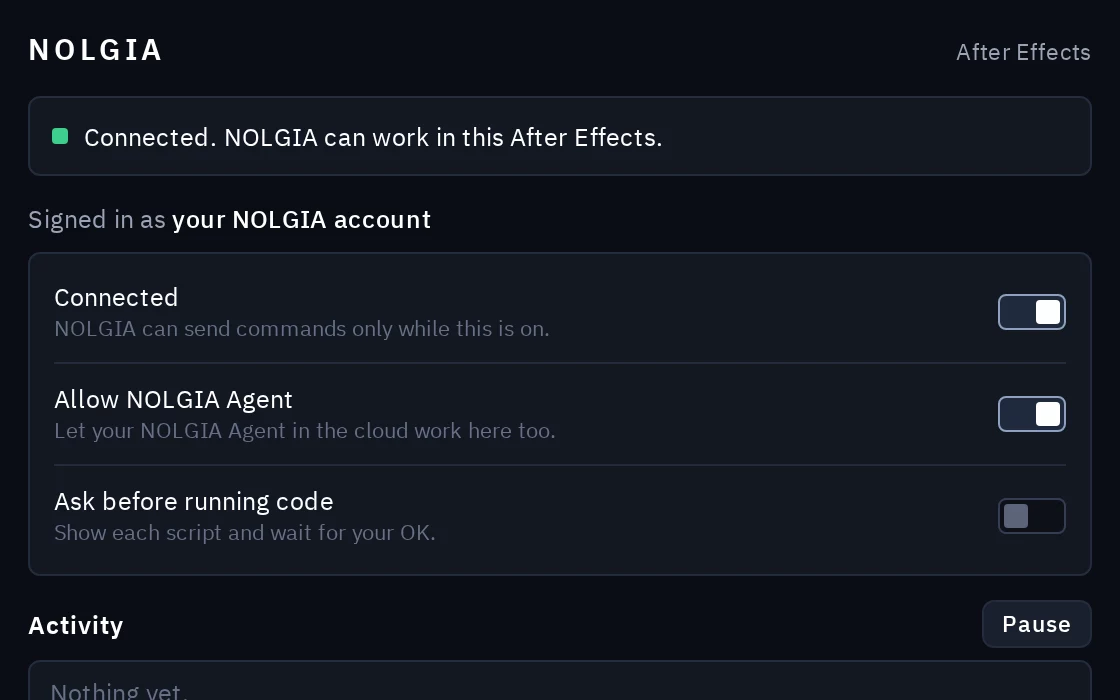
Install the plugin and sign in
Add the NOLGIA plugin to your app and sign in with your NOLGIA account. It connects out to NOLGIA; nothing connects in to your computer.
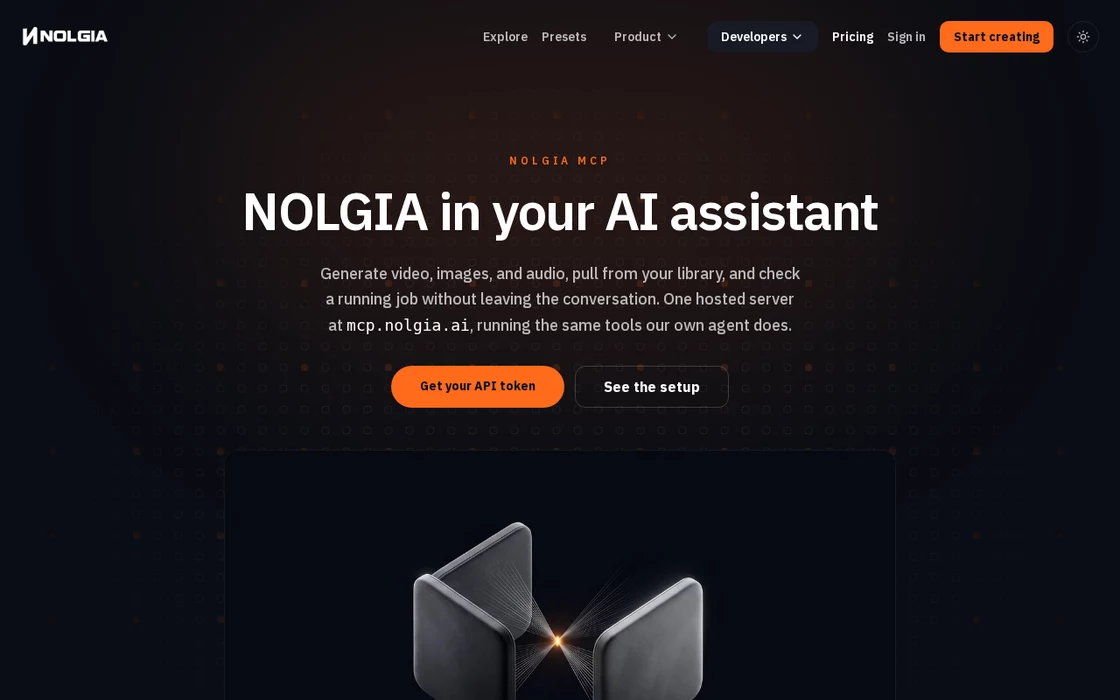
Connect NOLGIA to your agent
Add NOLGIA to Claude Code, Cursor or another MCP client once. NOLGIA Agent is already connected.
Connect NOLGIA to your agent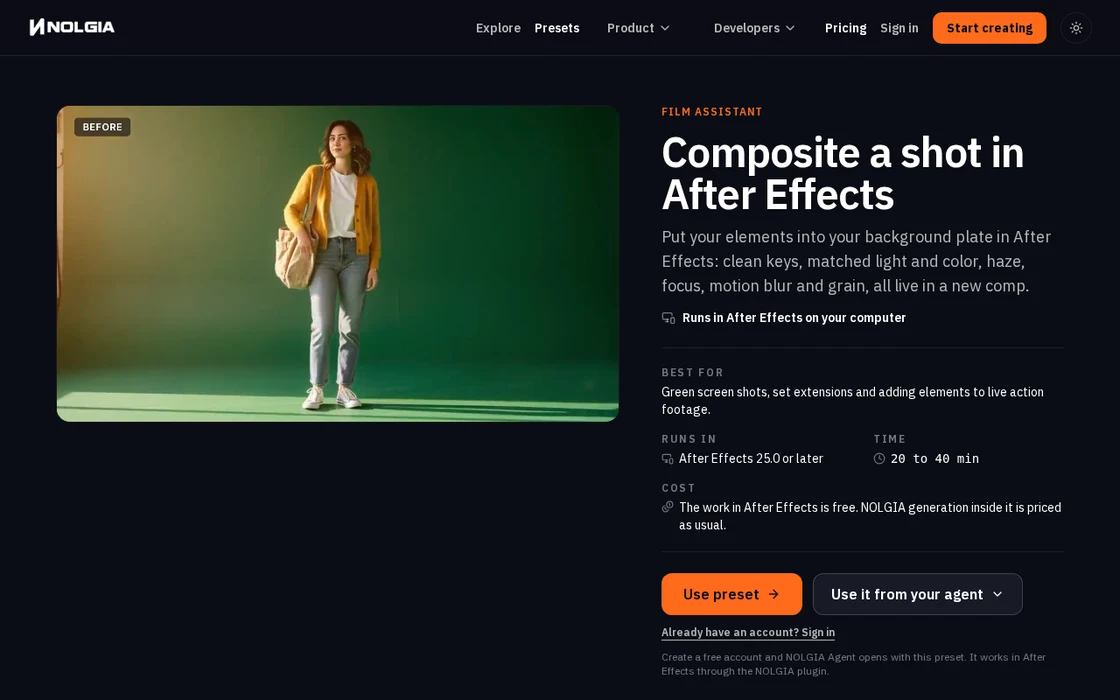
Ask your agent, or use a Film assistant preset
Say what you want in plain words, or start from a Film assistant preset: a written workflow your agent follows step by step in your own project.
See the Film assistant presets
Safety
You stay in control of your app.
A plugin gives your agent real hands in your project, so it only acts when you let it and shows you everything it does.
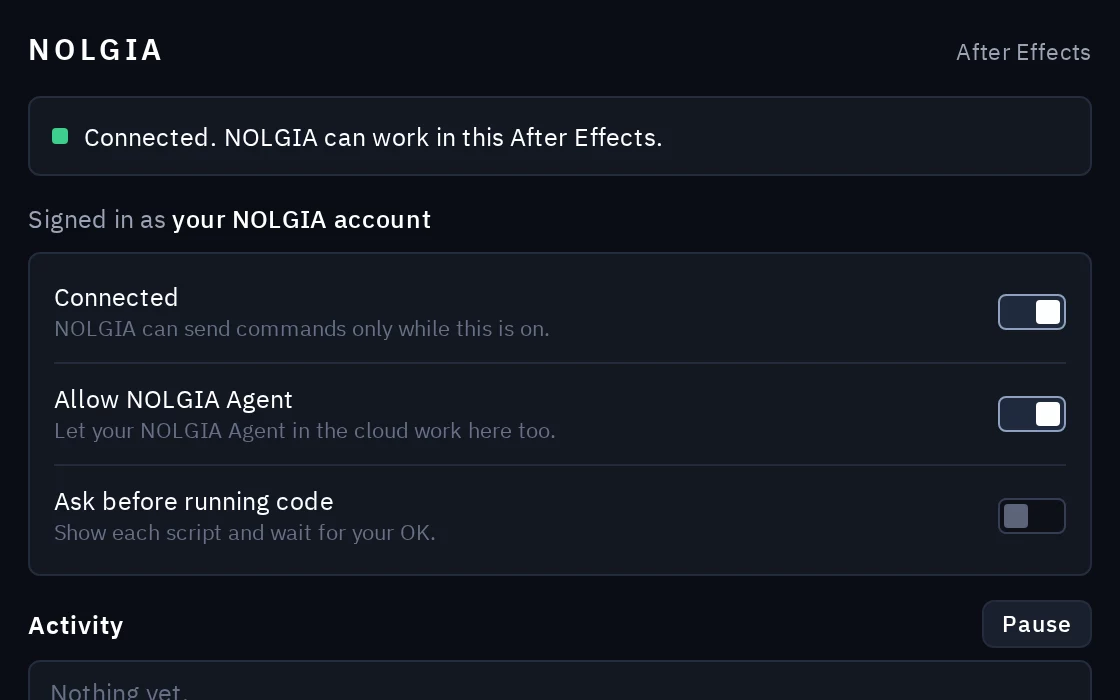
Only while you say so
The plugin takes commands only while you are signed in and it is switched on (Connected). Turn it off and nothing reaches your app.
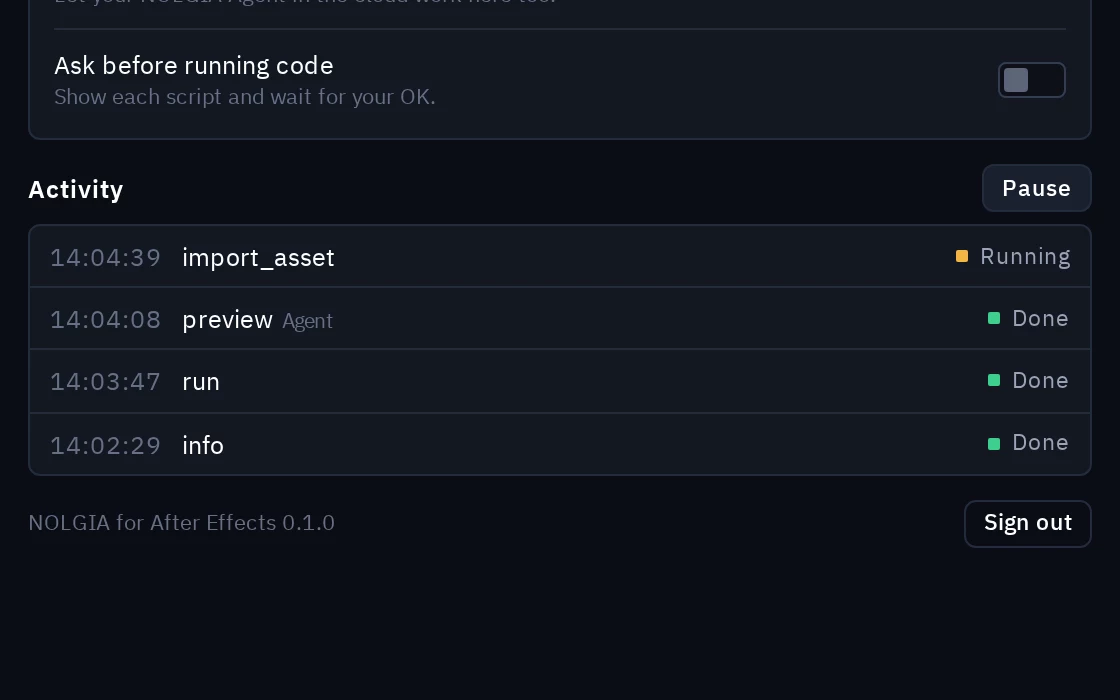
You see every command
Every command your agent sends shows up in the plugin's Activity list as it runs. Pause stops it at any time.
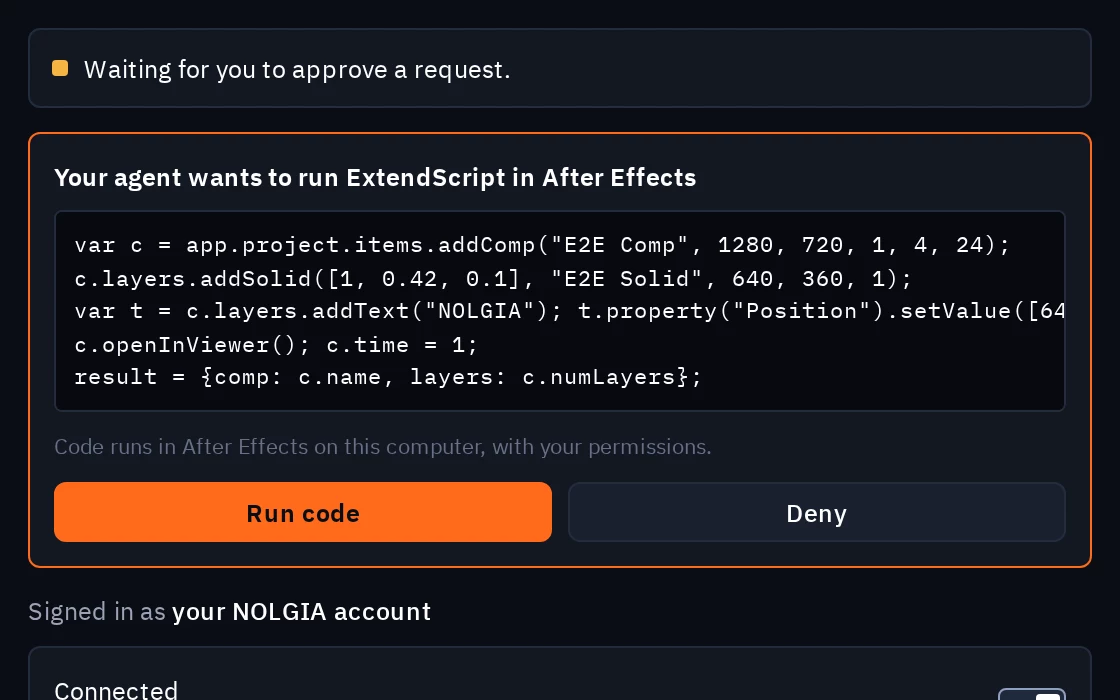
Ask before running code
Turn on Ask before running code and the plugin shows you every piece of code first, then waits for you to approve or deny it.
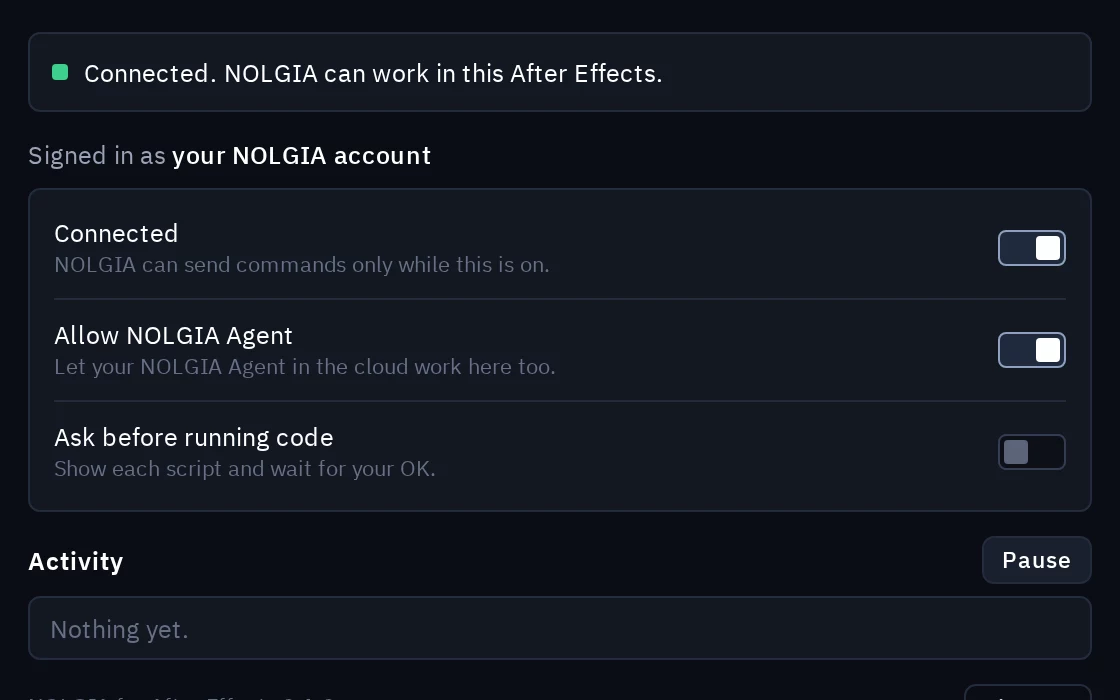
Your call on NOLGIA Agent
Allow NOLGIA Agent decides whether your NOLGIA Agent in the cloud may work in the app too, not only the agents you run yourself.
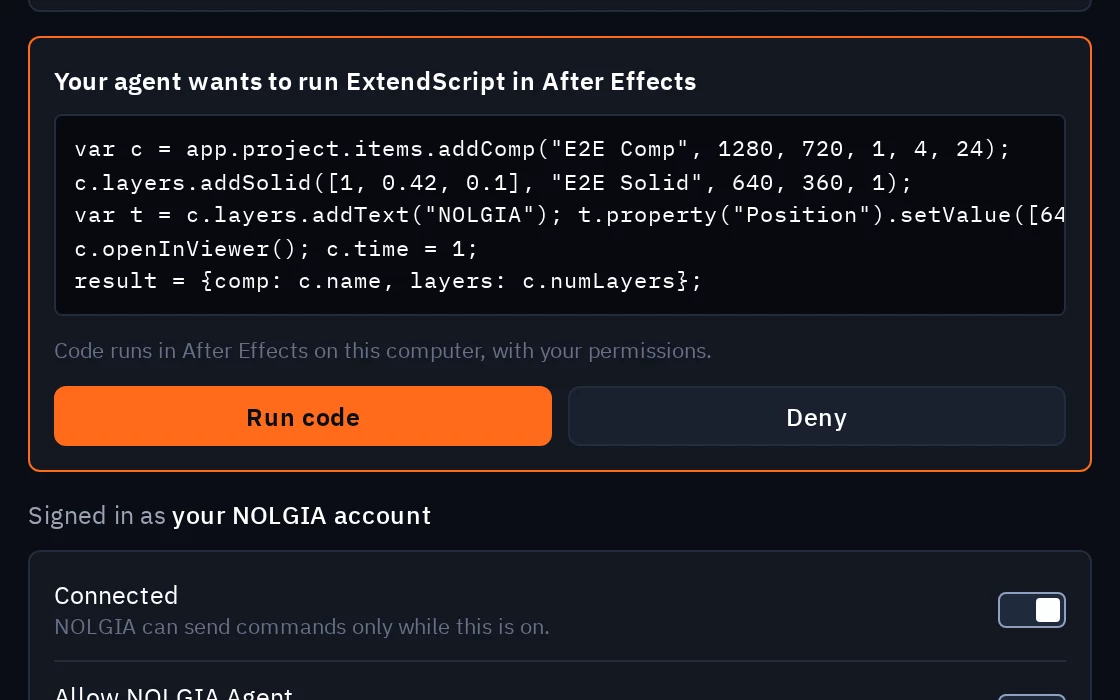
Code runs on your computer
Code your agent runs in the app runs on your computer with your permissions, like any add-on or script you install. Only connect agents you trust.
FAQ
Questions about plugins.
- What does a plugin cost?
- The plugins are free, and so is the work your agent does in the app. If a workflow makes something with NOLGIA along the way, like an image or a 3D model, that generation is priced as usual and your agent tells you the cost first.
- Does NOLGIA get my project files?
- No. Your project files stay on your computer. Only the previews and exports you or your agent ask for are uploaded, into your NOLGIA Library.
- Which agents can use a plugin?
- Any agent with NOLGIA connected: Claude Code, Claude Desktop, Cursor and other MCP clients, and NOLGIA Agent when you allow it in the plugin.
- Do After Effects, Premiere Pro and Illustrator need separate plugins?
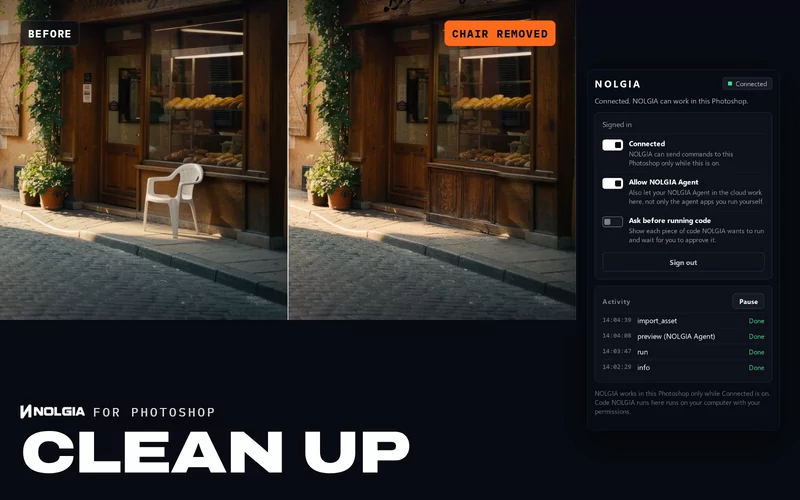
- No. One extension, NOLGIA for Adobe, installs into After Effects, Premiere Pro and Illustrator at once. Each app then signs in on its own. Photoshop has its own plugin.
Open source.
Every plugin's code is public, so you can read exactly what runs on your computer.