

Preset
Narrated explainer
Any topic or document turned into a finished narrated video: one voice, one illustrated style, a new scene every ten seconds, cut together and ready to share.
- Best for
- Teachers and course creators, faceless channels, product and nonprofit teams explaining one idea clearly
- Output
- Video
- Time
- 10 to 40 minutes
- Credits
- Priced on the review card before it runs
Already have an account? Sign in
350 free credits when you create an account, no card required. You land right in NOLGIA Agent, on this preset's questions, ready to run.
How to use it
NOLGIA Agent asks these questions in a chat, one at a time, with your own material.
What should it explain?
Write it in your own words. A topic, a question or a story in a sentence, or paste the text of a document. Real facts are checked against sources and nothing is made up.
For example: Why the Moon has phases
How long?Optional
Pick one.
- About 30 seconds
- About 1 minute
- About 3 minutes
Pick a styleOptional
Pick one.
- Flat vector
- Marker on paper
- Monochrome silhouette
- Storybook gouache
Pick a voiceOptional
Pick one. One narrator reads the whole video.
- Rachel
- Aria
- Sarah
- Domi
- Drew
- Paul
- and 3 more
Picture shapeOptional
Pick one.
- Widescreen 16:9
- Vertical 9:16
Narration languageOptional
Write it in your own words. English unless you say otherwise. The pictures carry no words, so only the voice changes. You can skip this.
For example: English
Create
Press Create and NOLGIA Agent makes your video from your answers, in the chat, and saves it to your Library. It takes 10 to 40 minutes.
Choose a direction
Pick the version closest to what you need, or describe your own. Every direction keeps the Narrated explainer guardrails.
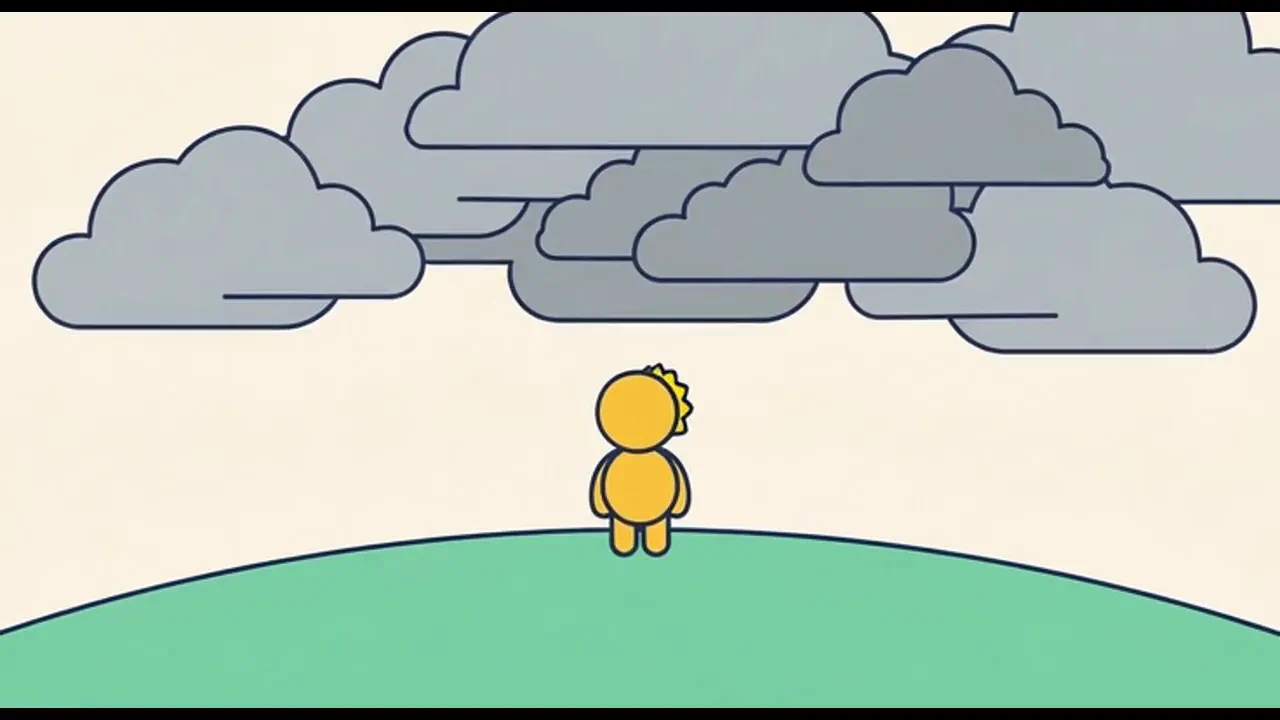
Flat vector
A narrated explainer in bright flat vector shapes with bold clean outlines and solid colour. Friendly, clear and easy to follow.
- Examples
- 1 example
- Estimated credits
- Priced on the review card before it runs
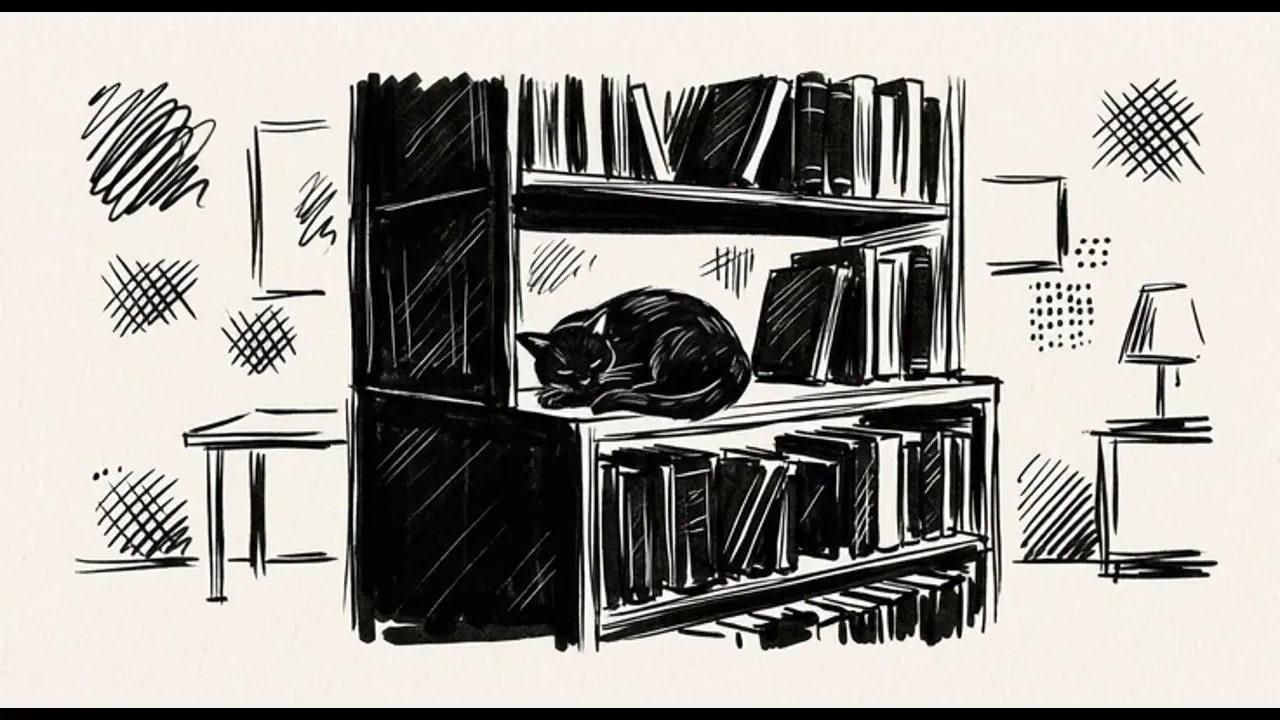
Marker on paper
A narrated explainer drawn in black marker on off white paper, with solid black fills and scratchy white highlights. Personal and moody.
- Examples
- 1 example
- Estimated credits
- Priced on the review card before it runs
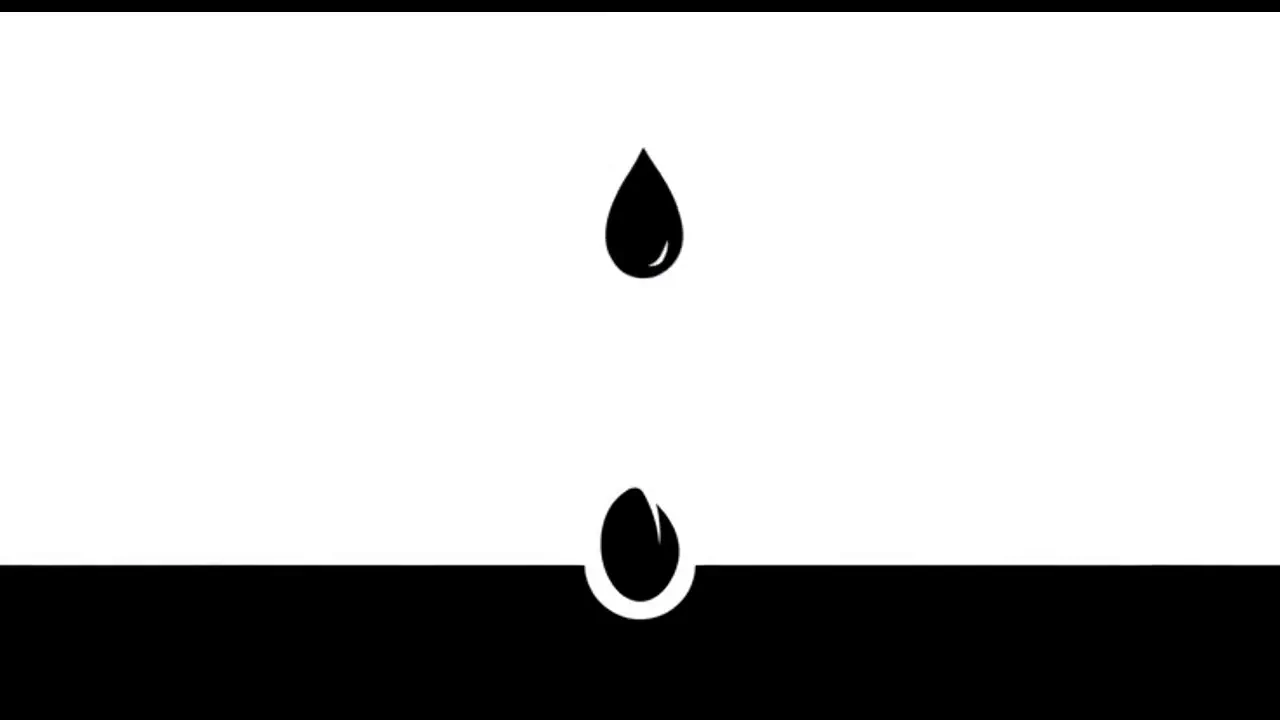
Monochrome silhouette
A narrated explainer in pure black silhouettes on a white void, with lots of empty space. Calm, stark and striking.
- Examples
- 1 example
- Estimated credits
- Priced on the review card before it runs
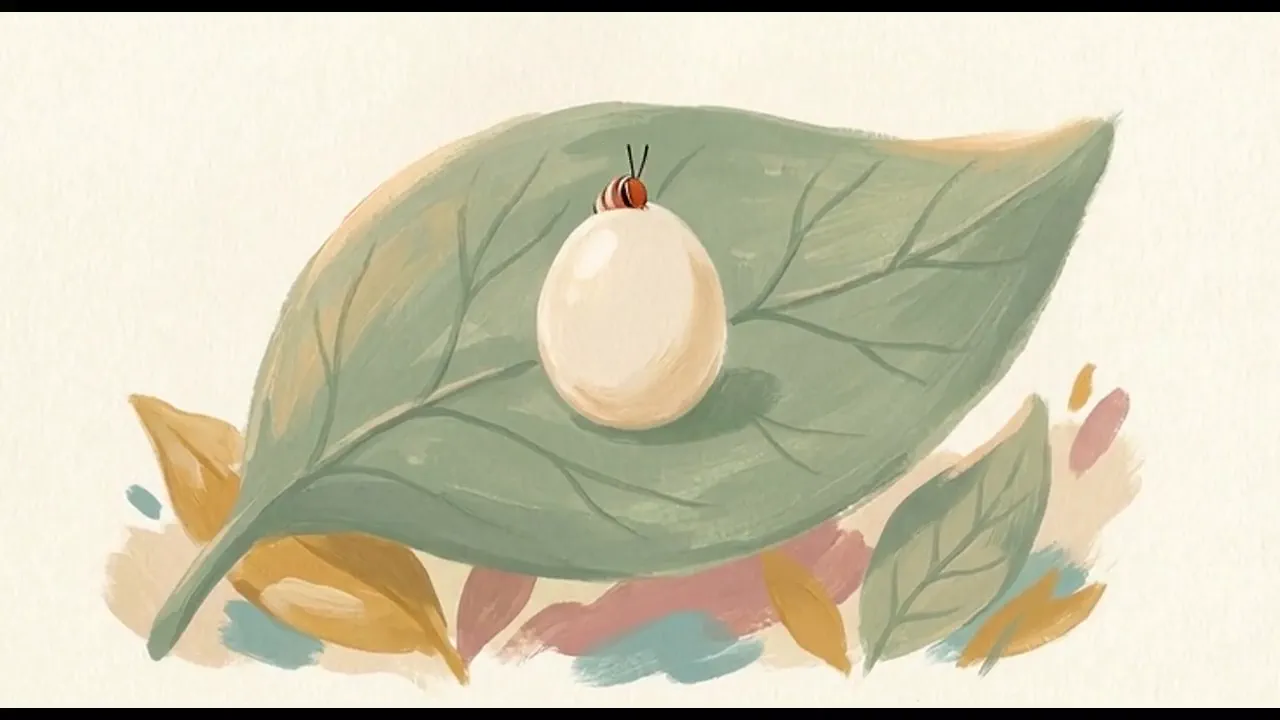
Storybook gouache
A narrated explainer painted like a storybook, in soft gouache with visible brush strokes and warm muted colours. Gentle and warm.
- Examples
- 1 example
- Estimated credits
- Priced on the review card before it runs
- Describe your ownNone of these quite fit? Tell NOLGIA Agent what you have in mind. It starts from the Narrated explainer brief and keeps the family guardrails.Try it free with your own brief
About this preset
Give it a topic, a question or a document and get back one finished video with a narrator. The script is written for you and checked against real sources, then split into ten second scenes. Each scene is one clear idea: one line of narration and one illustrated shot made for it, in one style and one voice from start to finish.
Pick a style below or let us choose. Flat vector is bright and clean, Marker on paper is hand inked black and white, Monochrome silhouette is black shapes on white, and Storybook gouache is soft and painted.
Every narration line is recorded and timed before any picture is made, so the voice never runs over its scene. The pictures carry no words, captions or talking mouths. You get the video plus the script, the sources and the style notes, so the next one matches.
Use cases
- A lesson or course module on one topic
- A faceless channel episode from a script or an article
- A how it works video for a product page
- A report or document turned into a short video
- A story told with a narrator and illustrations
Examples
Made with this preset, with the prompt behind each one.
How a rainbow forms: about 30 seconds, three scenes in Flat vector with the Rachel voice
How a rainbow forms
Why cats land on their feet: about 30 seconds, three scenes in Marker on paper with the Roger voice
Why cats land on their feet
How a seed becomes a tree: about 30 seconds, three scenes in Monochrome silhouette with the Sarah voice
How a seed becomes a tree
How a caterpillar becomes a butterfly: about 30 seconds, three scenes in Storybook gouache with the Aria voice
How a caterpillar becomes a butterfly
Suggest directions for me
Say what you are making it for and NOLGIA suggests a few directions for Narrated explainer, each with a prompt and the options it sets. Nothing is generated until you use one.
Models it uses
The models NOLGIA Agent reaches for on this preset, in order of preference. Sign in to see live credit costs and capabilities from the model catalog.
Grok Imagine Video 1.5
video- Credits per generation
- 39 credits per 5s clip
Nano Banana 2
image- Credits per generation
- 4 credits per image
ElevenLabs v3
audio- Credits per generation
- 6 credits per 1,000 characters
Ready to make a Narrated explainer?
A few quick questions in the chat, your own material, and NOLGIA makes it.