

The NOLGIA Agent cookbook: what to say, and what happens next
Ten messages to send the NOLGIA Agent, what it does with each, and a real example from the preset it runs.
- 5 min read
- Updated
- Presets: Product photos, Marketplace listing images, YouTube thumbnail, Social media ad, Hook score, Animate your logo, Cover reveal, Narrated explainer, Color grade footage, Turn your data into a spreadsheet
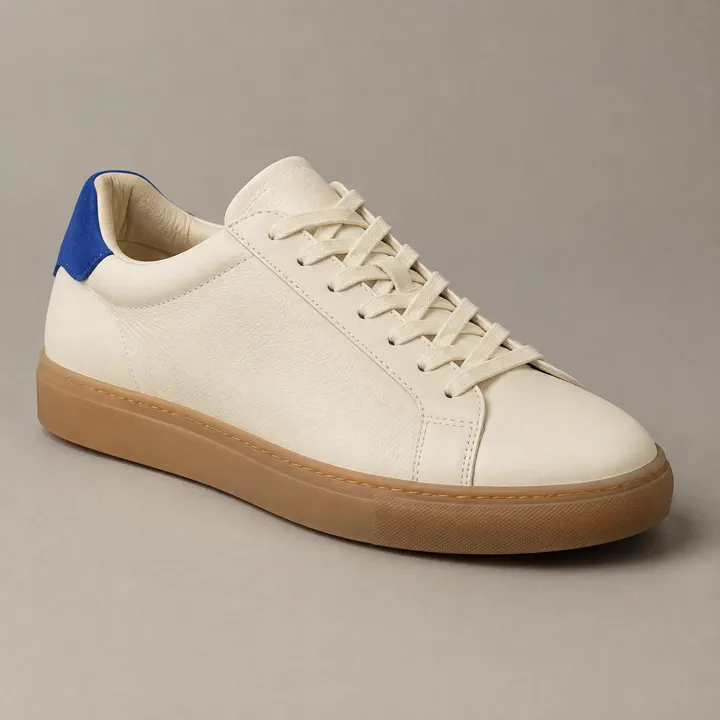 Product photo
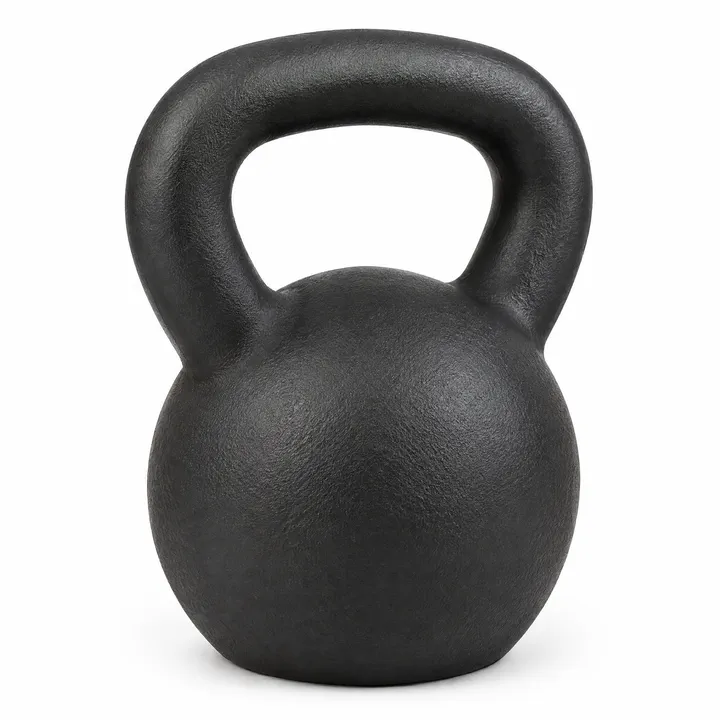 Main image
 Thumbnail
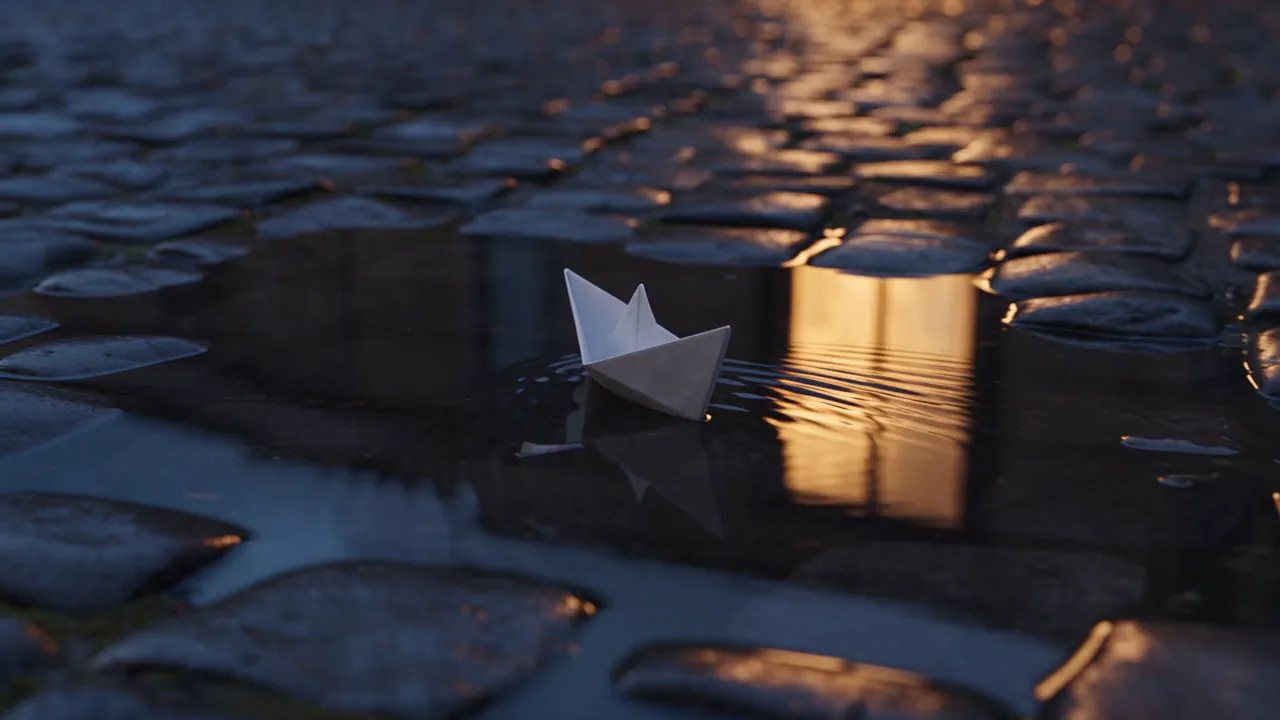 Logo intro
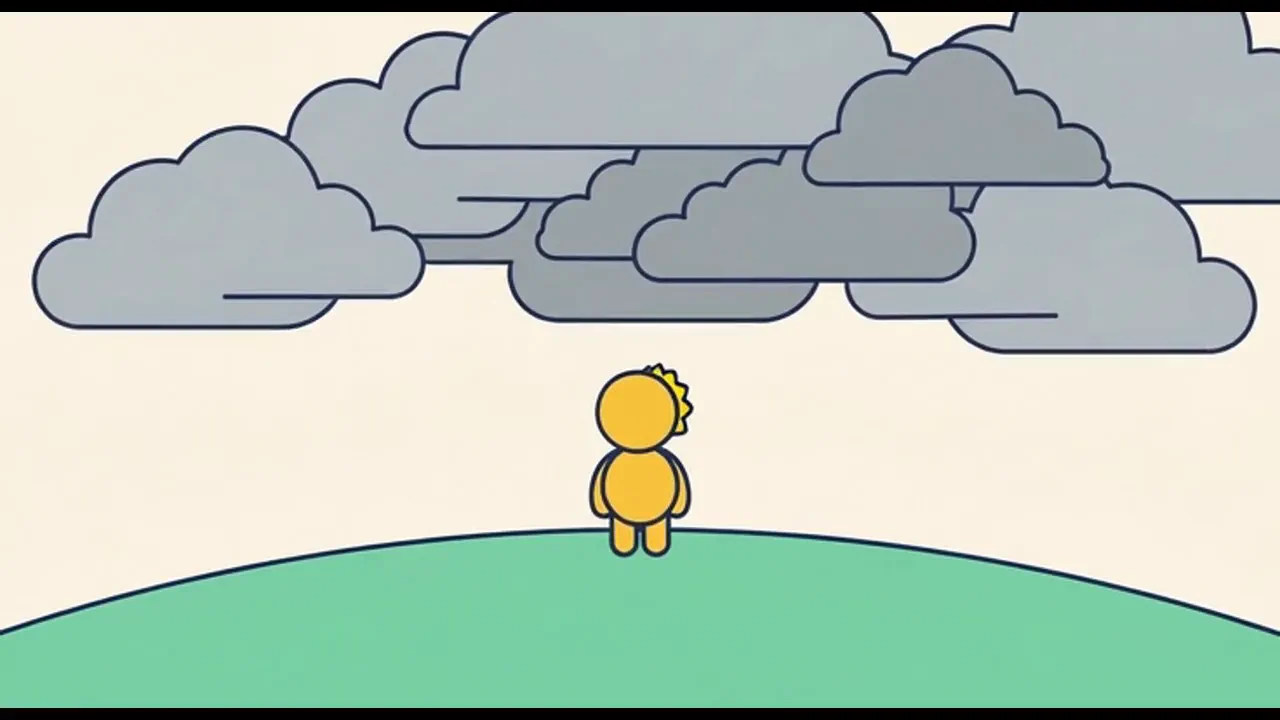 Explainer
What you make, in order. Tap one to jump to its step.
The NOLGIA Agent works best when you say the outcome, not the settings. To start a recipe, open the preset's page and choose Try this preset free, or sign in. The agent opens a chat tuned to that preset, asks for what it still needs and shows the credit estimate before you press Create.
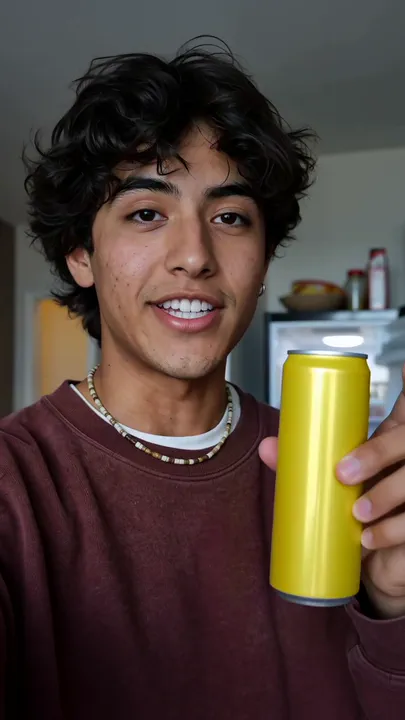
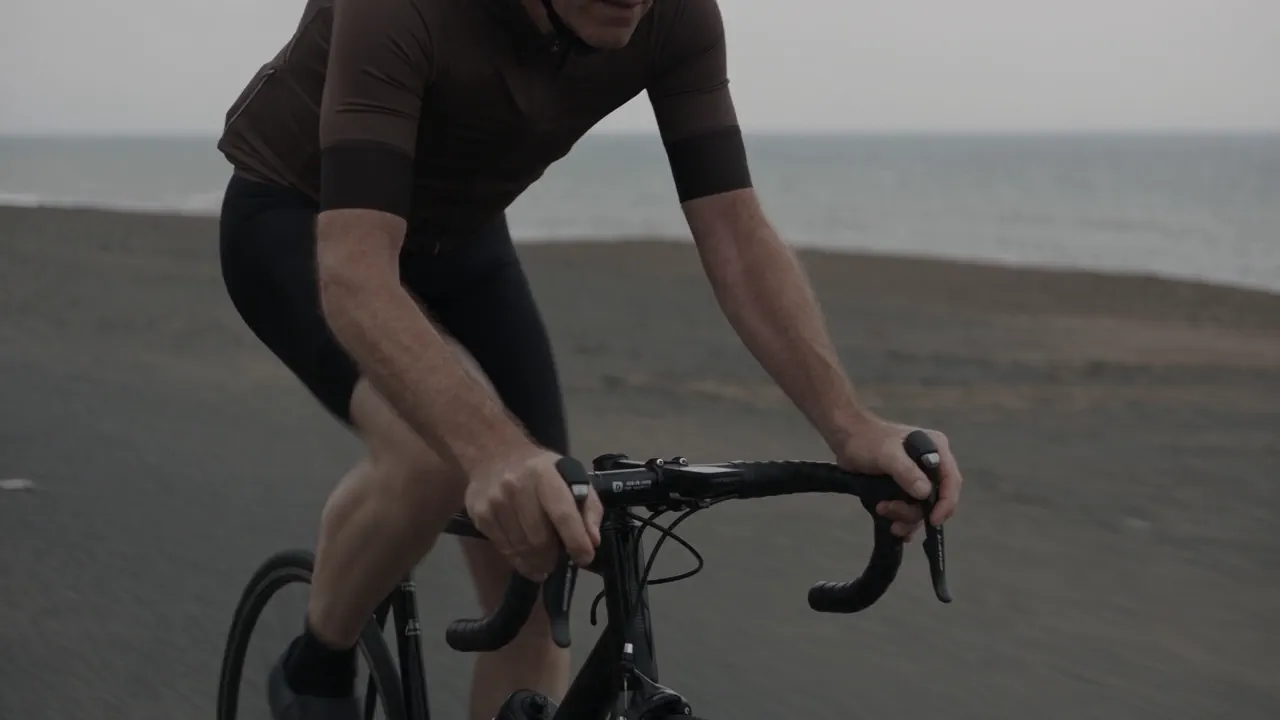
Each picture is that preset's own published example, not the result of the message above it.
Product photos for your shop
Make a clean product photo of this ceramic mug for my shop listing. Matte white stoneware, about ten centimetres tall.
Runs Product photos on GPT Image 2.5 Flare and GPT Image 2.5 Sunburst. It asks where the picture will be used and for your brand colours, then shows the mug only from the sides your photos show.
Tip:Tip. Attach one to three photos, one per side. Add text and badges afterwards, so nothing is misspelled.
A marketplace listing set
I need the images for an Amazon listing of this backpack: the main image on white first, then the rest of the set.
Runs Marketplace listing images on GPT Image 2.5 Flare and GPT Image 2.5 Sunburst. It starts with the main image on pure white. Approve it, add it back as the reference, and it renders the rest of the set from it.
Tip:Tip. Nothing is written inside the pictures, so add callouts and measurements afterwards.
A YouTube thumbnail
Make a YouTube thumbnail for my video testing ten espresso machines. Title: TOO MUCH COFFEE. A shocked presenter, a machine flying at the lens.
Runs YouTube thumbnail on GPT Image 2.5 Flare. It asks for the words, the layout, the expression and the shape: wide for YouTube, tall for Shorts or 4:5 for the feed. Each one comes with a 120 px feed size proof.
Tip:Tip. Keep the words to a few big ones.
A score for your hook
Score the hook on this ten second Reels ad before I put money behind it.
Runs Hook score with the video-scorecard ability. It scores your finished clip out of 100, weighted for an ad, an organic short or a YouTube intro, and names the strongest second and three fixes, each tied to a time in the clip. It can then make a stronger version and score it beside the old one.
Tip:Tip. Scoring makes nothing new. Only a new opening shot generates video, and that is quoted first.
An intro from your logo
Turn my logo into a short playful intro for my channel, in our teal and coral.
Runs Animate your logo on Seedance 2.5 and Veo 3.1. It builds a small original scene that resolves into your mark and ends on the logo, centred, with room beneath for a tagline.
Tip:Tip. Attach a flat logo on a plain background.
An animated reveal of your cover
Animate my album cover into a five second reveal for Instagram that lands on the finished image.
Runs Cover reveal on Seedance 2.5 and GPT Image 2.5 Flare. It makes a start frame from your still, animates the reveal with your words arriving on screen, and lands on your still, so the last frame is the picture you made.
Tip:Tip. Type the words on the cover exactly as they read.
A narrated explainer
Make a one minute narrated explainer on how bees make honey, in Storybook gouache.
Runs Narrated explainer on Grok Imagine Video 1.5, Nano Banana 2 and ElevenLabs v3. It writes the script and checks it against real sources, records the narration first, then makes one illustrated shot per ten second scene and cuts them together.
Tip:Tip. You can send a document instead of a topic.
A grade for footage you shot
Grade these three clips with a warm film look, like this reference frame.
Runs Color grade footage. It opens your clips on a Studio timeline, picks a film stock look that fits your words and hands back the graded cut beside the untouched original, naming the negative and the finish it used so later shots can follow.
Tip:Tip. A reference frame whose colour you like is the fastest brief.
Numbers as a clean table image
Turn this CSV into a clean spreadsheet image for my investor update, dark dashboard style.
Runs Turn your data into a spreadsheet on GPT Image 2.5 Sunburst. It sets every cell as you gave it, with a header row, gridlines and right aligned numbers, and renders again any value that came back wrong.
Tip:Tip. Nothing is rounded or invented, so check the data first.
What each recipe costs
Live estimates for every recipe, read when this page loads. Each message is also one agent turn, billed at the rate of the brain the agent thinks with.
- Product photos
8 credits per image, 21 at 2k and 58 at 4k
Takes under 2 min
- Marketplace listing images
8 credits per image, about 50 for the full set of six
Takes under 2 min per image
- YouTube thumbnail
8 credits per thumbnail, 21 at 2K and 58 at 4K
Takes under 1 min
- Social media ad
Priced on the review card before it runs
Takes 15 to 30 min
- Hook score
Priced on the review card before it runs
Takes 2 to 5 minutes
- Animate your logo
About 90 credits for the 8 second default, 56 per 5 seconds at 720p and 26 at 480p for drafts
Takes 2 to 5 minutes
- Cover reveal
Priced on the review card before it runs
Takes 3 to 6 min
- Narrated explainer
Priced on the review card before it runs
Takes 10 to 40 minutes
- Color grade footage
Priced on the review card before it runs
Takes 5 to 20 minutes depending on length
- Turn your data into a spreadsheet
8 credits at the standard size, 21 at 2K and 58 at 4K
Takes About 1 minute
Read live from the catalog when this page loads. Every price is shown before you generate. See every rate.
Questions and answers
- Which plan includes the NOLGIA Agent?
- Studio plans. It deploys automatically on Studio Mid and Studio Max, and with one click on Studio Min. New accounts start with 350 free credits for generating directly in the app.
- Where do the results go?
- Into the Outputs dock beside the chat as each one finishes, and into your Library with everything else you make.
- Does the chat itself use credits?
- Yes. Each message is one turn, billed at the rate of the brain the agent thinks with. What it generates bills separately at the normal model rates.
Pick a preset and say what you want
Browse the presetsRelated guides
Filmmaking
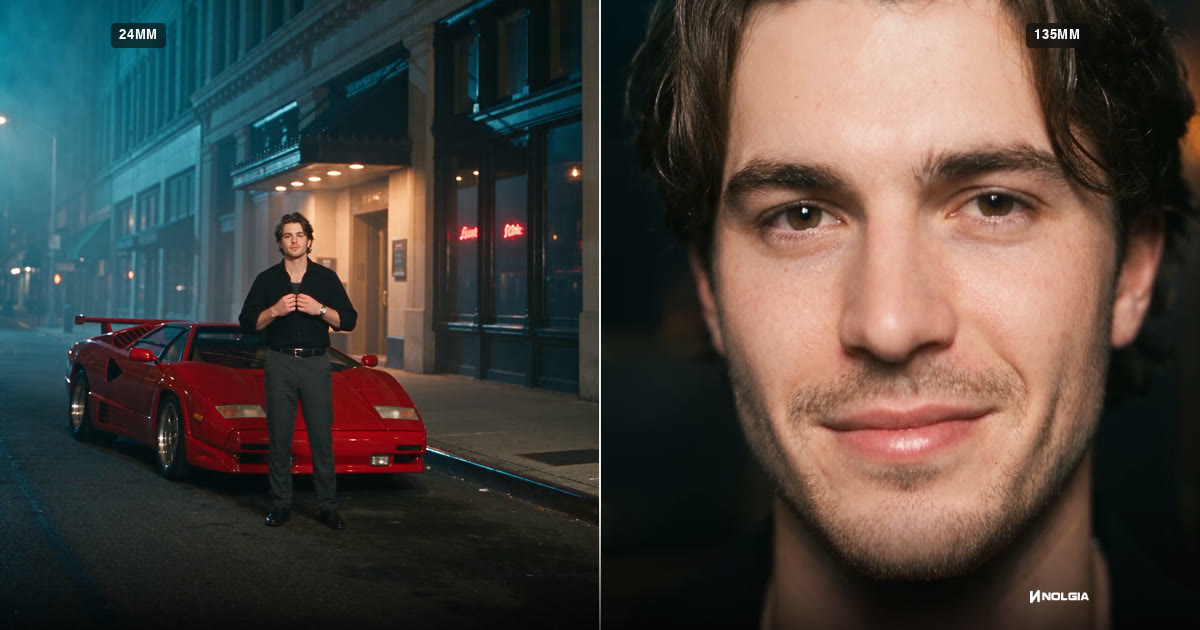
Focal length for AI video: 24mm, 70mm, 135mm and 200mm
What 24mm, 70mm, 135mm and 200mm do to a frame, how to prompt each in Seedance 2.5, and how the focal length reel was made, with every prompt as it was sent.
· 15 min read
Filmmaking
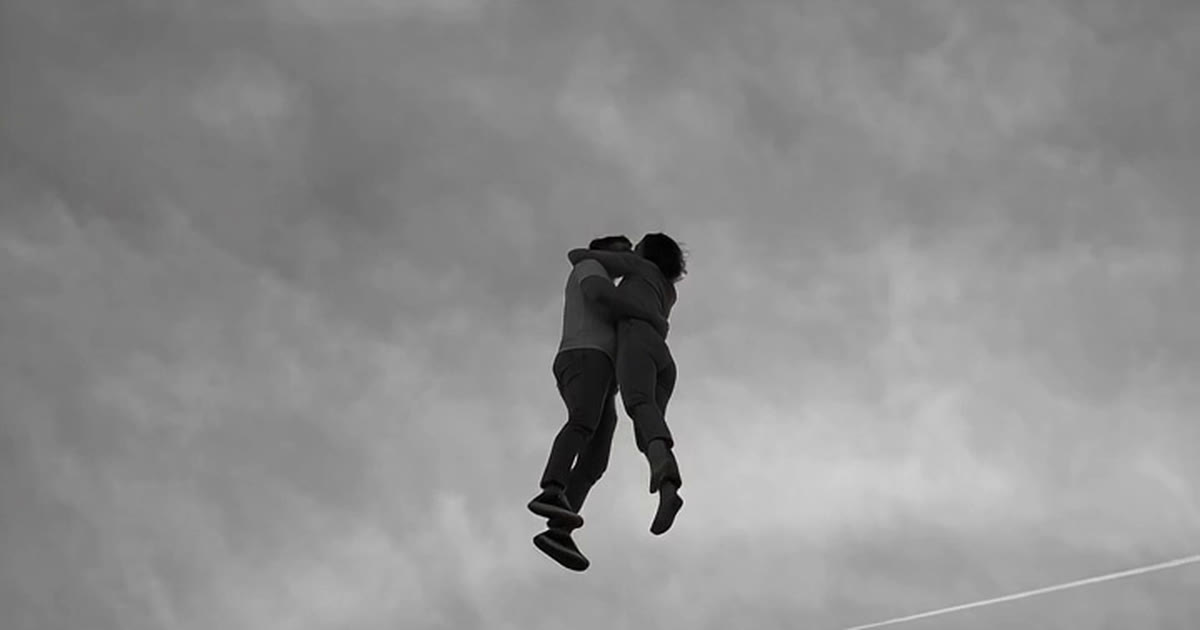
Dreamlike AI videos: one impossible thing in a quiet, tender moment
Make dreamlike AI videos with Seedance 2.5: one impossible thing in a tender moment, a bystander's camera and an old film look, with 17 real clips and their prompts.
· 16 min read
Filmmaking
Creating the viral nostalgic stylized AI videos
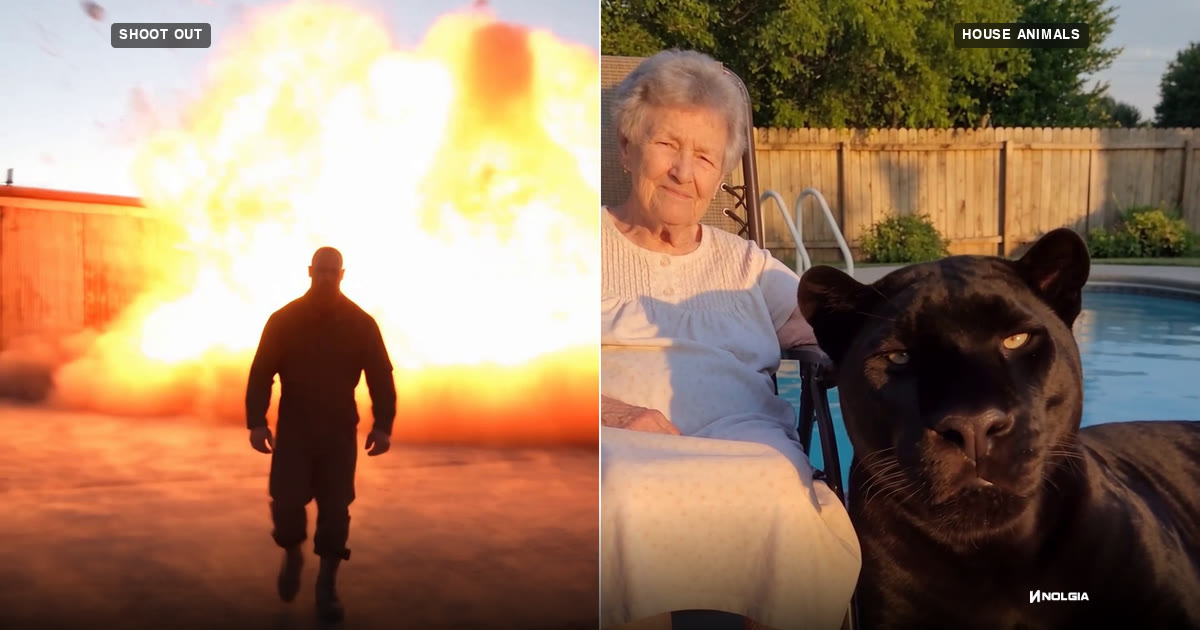
How to make viral home-video clips like a grandma petting a panther or a man walking away from an explosion, with every Seedance 2.5 prompt from three real projects.
· 27 min read
A social media ad
Runs Social media ad on Hailuo 3 and GPT Image 2. It writes the hook, the script and the call to action, casts the creator, renders the takes, adds captions timed to the speech and an end card, and checks every cut before it hands the ad over.
Tip:Tip. Give only claims that are true; the agent will not invent them.