

These releases were about one idea: tell NOLGIA something once and have it remembered. Your brand, your products, your cast and your places are now saved records that every image and video can use, and the NOLGIA Agent can be driven from your own code.
Brand kits
A brand kit keeps your logo, your palette, your fonts, your tagline, your voice notes and the things your brand never does, in one place. A kit holds up to 6 logo variants, 8 colours with roles such as primary and accent, and 4 fonts.
Pick a kit in the image or video composer, or set one on a project and every generation in that project uses it. NOLGIA adds a short brand block after your prompt and attaches the logo only where the model has a spare reference slot, so it never pushes out a reference you added. The NOLGIA Agent uses the kit's logo instead of asking for it again.
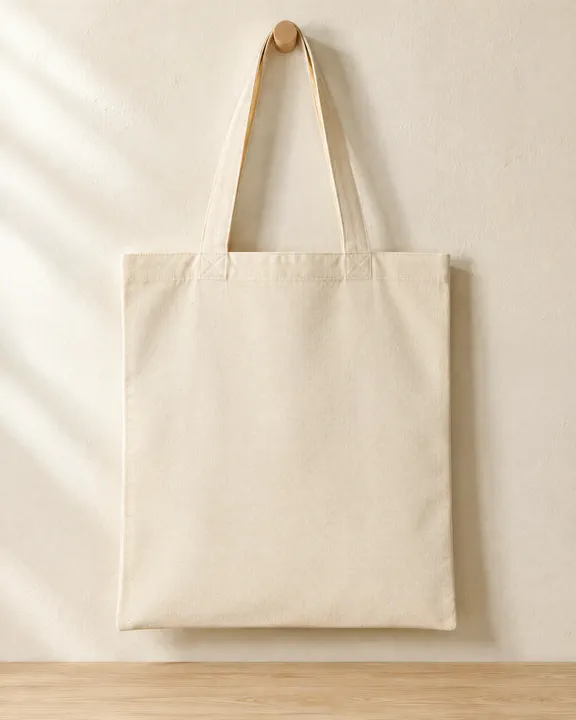
The Brand mockup preset draws on the kit. Stage one sets a blank tote, box, sign, shirt or mug in your kit's palette and leaves the logo out on purpose. Stage two places your logo on that surface.
Product import from a link
Paste a link to a product page and NOLGIA reads the product once: the name, description, price and up to 8 photos. The product is saved, so every later ad starts from it.
Import from a link sits in the product picker of the image and video composers, on the product steps of guided presets, and in the Products section of a project's Workspace. A generation that uses a product attaches up to 3 of its photos, main photo first, and folds its description in.
To go from one product photo to a full shop set, read One phone photo to a full shop set.
Cast and locations
One image or video can carry a cast of up to 4 characters, in the order you set with the chips. A character can remember its preferred models, and the composers switch to the lead's pick. Each character shows whether its reference photos are ready, with a photo guide on the Characters page.
Save a place the way you save a character: up to 8 reference photos, a main photo and continuity notes. Pick it in the image and video composers, with the project's own locations listed first, and find it again in the project's Locations section next to the cast.
What a saved character and a saved location actually keep from shot to shot, counted object by object on a real short film, is in Keep characters and locations consistent across shots.
Camera moves
The video composer has a row of camera moves, from push-ins and orbits to crane shots, pans and a drone fly-through. Each move has a strength setting: Subtle, Medium, and Strong. NOLGIA shows the exact sentence it adds to your prompt and never rewrites what you typed. It works for text to video and image to video, single shot and multi shot.
For what each move does and the words that get it, read Camera moves: what each one does and the words that get it.
The Agent Sessions API
Your application can now hold a conversation with the NOLGIA Agent: create a session, optionally under a preset, send a message with attachments, follow the reply by polling or streaming, steer a running turn, and collect the Outputs.
Turns can be stopped: the interrupt endpoint returns the turn's held reasoning credits, and the chat and the Studio NOLGIA Agent column have a Stop button. When the agent asks a question, the session reports awaiting_input with the question and its options. The TypeScript and Python SDKs include helpers that send and wait in one call.
Read the Agent Sessions API guide to start.
Questions and answers
- Where do I make a brand kit?
- On the Brand kits page in the app. Then pick it in a composer or set it on a project.
- Which product pages can I import?
- Paste the public web address of a product page. NOLGIA reads the page once; if a page cannot be read, add the photos by hand instead.
- How many characters can be in one shot?
- Up to 4, in the order you set.
- Does a camera move change my prompt?
- No. NOLGIA adds one sentence for the move after your prompt and shows you that sentence under the chips.
- Who can use the Agent Sessions API?
- Any account with a hosted NOLGIA Agent, which comes with Studio plans. Create a Personal Access Token in Settings to start.
Put your brand kit to work
Open Brand mockupRead next
Guides · Product images
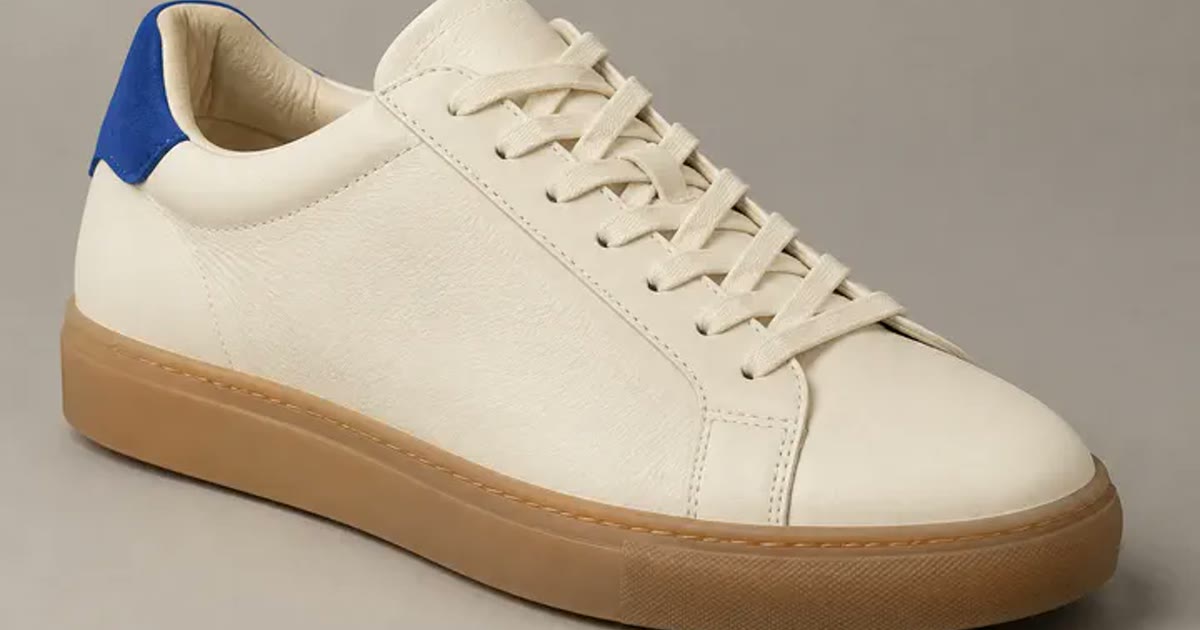
One phone photo to a full shop set
Turn one clear phone photo into a studio hero, a seasonal version, a product page banner and a short clip, with the preset for each step and what the set costs.
· 6 min read
Guides · Filmmaking
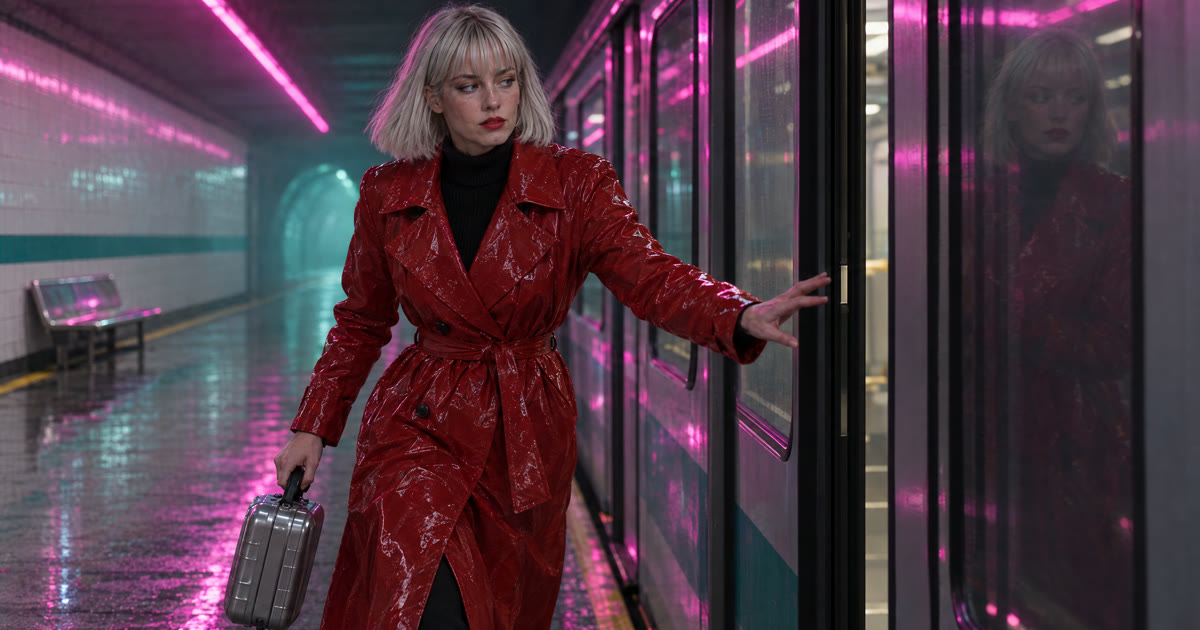
Keep characters and locations consistent across shots
A saved character, a saved location and one repeated sentence per prop: what actually held across five shots of one film, measured object by object and by colour, and the two gaps that did not.
· 10 min read
Guides · Agent
The NOLGIA Agent cookbook: what to say, and what happens next
Ten messages you can send the NOLGIA Agent, what it does with each one and the preset behind it, from product photos and a listing set to a hook score and a graded cut.
· 5 min read